AI Automation for Business: 10 No-Code Blueprints to Scale Fast
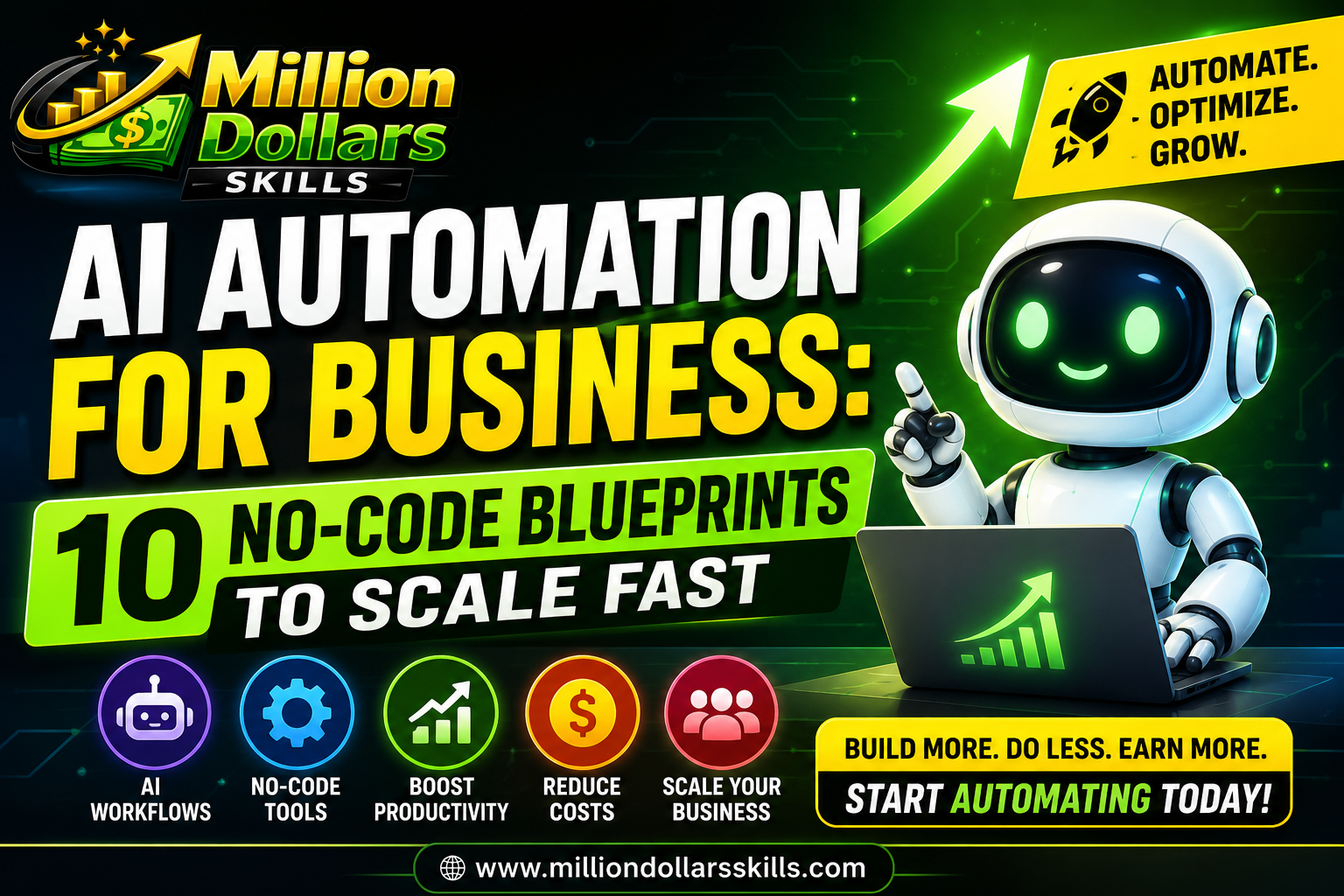
AI Automation for Business: 10 No-Code Blueprints to Scale Fast
Introduction
Imagine waking up tomorrow to find that your business has been running itself overnight. Your customer queries were answered, your leads were nurtured, your invoices were sent, and your data was organized, all without a single human hand touching a keyboard. This is not a glimpse into a distant future. This is the reality of AI automation for business today, and the most remarkable part? You don’t need to write a single line of code to achieve it.
The global workflow automation market is projected to reach $23.77 billion by the end of 2025, with 75% of businesses now viewing automation as a strategic advantage rather than a luxury. Yet, despite this massive shift, countless entrepreneurs and small business owners remain on the sidelines, intimidated by the misconception that implementing AI requires a team of developers or a six-figure budget.
The truth is far more empowering. The no-code revolution has democratized AI automation, putting enterprise-grade capabilities into the hands of anyone with a computer and an internet connection. Whether you’re a solo founder wearing every hat imaginable, a small team struggling to keep up with demand, or a growing business looking to scale without burning out your people, AI automation is your most powerful lever for growth.
“AI can be your force multiplier as a solo founder, automating repetitive tasks like email drafting, content creation, customer support responses, and data analysis that would otherwise consume hours of your day.” Sherry Kotvis, Founder of SK² AI Solutions, LLC
In this comprehensive guide, we will explore ten mind-blowing AI automation blueprints designed to transform your business operations. These are not theoretical concepts they are battle-tested strategies that real businesses are using right now to slash operational overhead by 30–50%, boost lead flow by 200–300%, and achieve ROI of $4–$7 for every dollar invested . Each blueprint requires zero coding knowledge and can be implemented using accessible no-code platforms like Zapier, Make, and ChatGPT.
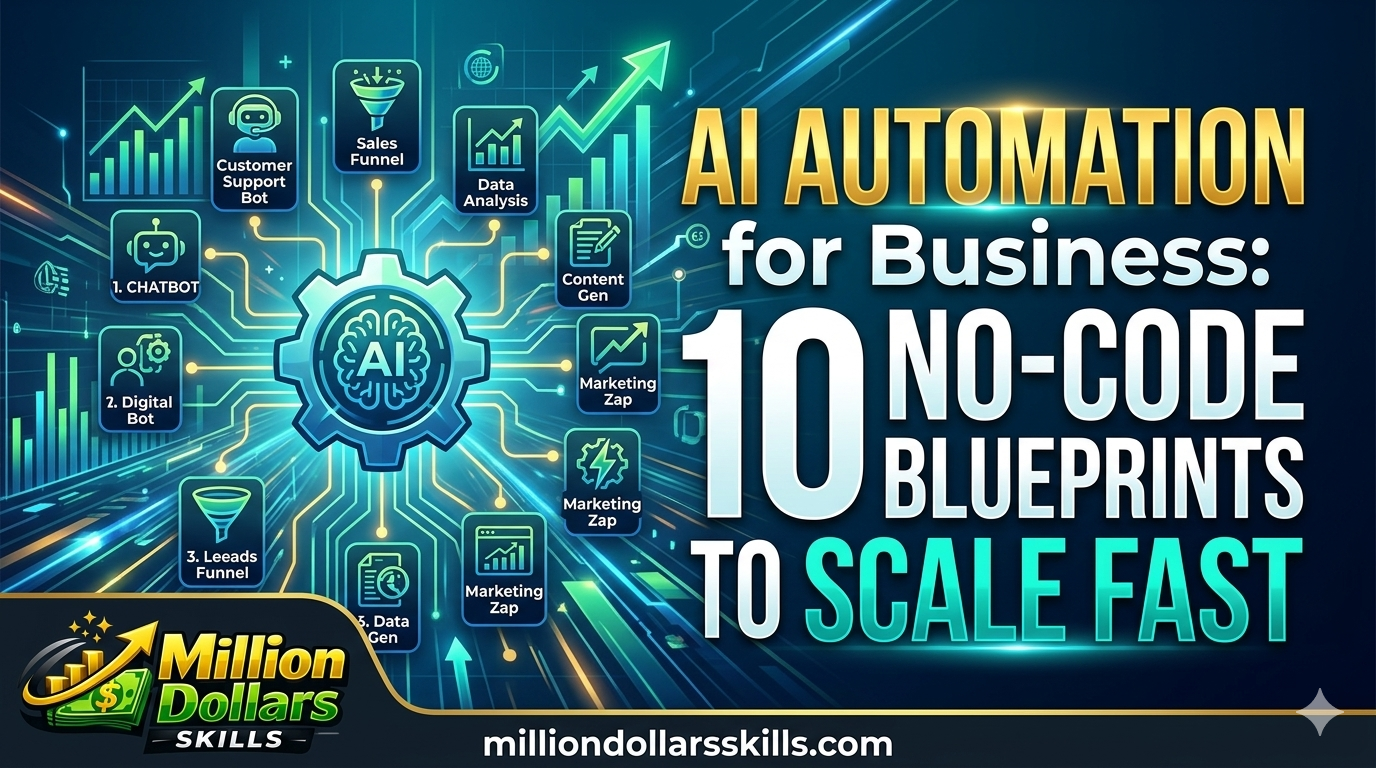
Each blueprint requires zero coding knowledge and can be implemented using accessible no-code platforms like Zapier, Make, and ChatGPT. But before we dive into the blueprints, let us understand why AI automation is no longer optional for businesses that want to scale fast, and how you can use AI in marketing to skyrocket your ROI in 2026 across your entire digital strategy.
But before we dive into the blueprints, let us understand why AI automation is no longer optional for businesses that want to scale fast.
Why AI Automation Is the Superpower Your Business Needs
The Repetitive Work Epidemic
Studies show that employees spend 60–70% of their time on administrative and repetitive tasks that add little strategic value but consume massive energy. For small business owners, the problem is even more acute. When you are the strategist, marketer, salesperson, bookkeeper, and customer support representative, relying on memory, sticky notes, or sheer hustle is simply not sustainable.
Traditional Automation vs. AI-Powered Automation
Traditional automation tools like email autoresponders and scheduled social media posts have been available for years. However, they follow rigid, rule-based logic; they do exactly what you tell them and nothing more. AI powered automation is fundamentally different. Here is why :
| Feature | Traditional Automation | AI-Powered Automation |
|---|---|---|
| Adaptability | Follows fixed rules | Learns and adapts in real-time |
| Decision Making | Human-dependent | Autonomous decision-making |
| Learning Ability | Static | Continuous learning from data |
| Complexity Handling | Simple, repetitive tasks | Complex, multi-step workflows |
| Error Reduction | Limited | High (reduces human error rates by up to 4%) |
| Cost Efficiency | Moderate | High (boosts employee productivity by 66%) |
The Cost of Inaction
The businesses that delay AI adoption are not just missing out on efficiency gains; they are actively losing ground to competitors. MTN Nigeria recently deployed 13 AI-powered agents that replaced more than 200 workers in their SIM registration process, processing verifications faster and more accurately than manual systems. While this example involves a telecom giant, the same principle applies to small businesses: AI can achieve more with less, dramatically improving operational efficiency.
In the following sections, we will cover ten actionable blueprints that you can implement to harness this power for your business.
The 10 No-Code AI Automation Blueprints
Blueprint 1: AI-Powered Lead Capture and Qualification
The Problem: Your website visitors come and go, but you don’t know who they are or what they want. You are losing potential customers because you cannot engage them at the right moment.
The Solution: Build an AI-powered lead capture system that qualifies visitors in real-time and routes them to the right place. Using no-code platforms like Zapier AI Agents or Make.com, you can create workflows that analyse visitor behaviour, trigger personalised chatbots, and collect lead data automatically.
How It Works:
-
A visitor arrives on your website.
-
An AI chatbot engages them with contextual questions.
-
Based on their responses, the AI scores their lead quality.
-
High quality leads are instantly routed to your CRM or sales team.
-
Low quality leads are directed to self-service resources.
Real-World Impact: Caro Holdings reported that businesses using AI for prospecting and lead enrichment saw a 2–3x increase in qualified lead flow within 60 days of implementation.
Action Steps:
-
Connect your website chatbot to Zapier or Make.
-
Set up triggers based on visitor behaviour (time on page, clicks, form submissions).
-
Use AI modules to analyse responses and score leads.
-
Integrate with your CRM (HubSpot, Salesforce, or GoHighLevel) for automatic record updates.
Blueprint 2: Automated Customer Onboarding
The Problem: Onboarding new clients takes hours of manual work, sending welcome emails, scheduling calls, collecting documents, and answering repetitive questions. This delays revenue and frustrates customers.
The Solution: Create a no-code onboarding workflow where AI handles the heavy lifting. When a new client signs up, an AI assistant automatically sends personalised welcome emails, schedules introductory calls based on your calendar availability, and delivers a customised onboarding checklist.
Case Study: Sarah’s Virtual Bookkeeping Service
Sarah was spending 10+ hours weekly on client onboarding, sending welcome emails, scheduling kickoff calls, requesting documents, and answering repetitive questions. She integrated AI into her workflow, where new client inquiries trigger an AI assistant to analyze the inquiry, draft a personalised response, automatically schedule an intro call, and send a customised onboarding checklist.
The Result: Her onboarding time dropped to under two hours per week while maintaining a personal touch that clients appreciated.
Action Steps:
-
Set up a form trigger (Typeform, Google Forms, or Calendly).
-
Connect to an AI module that drafts personalised responses.
-
Automate calendar scheduling and checklist delivery.
-
Monitor AI-generated content to ensure brand voice consistency.
Blueprint 3: Intelligent Document Processing
The Problem: Your team is drowning in paperwork—invoices, contracts, forms, and applications that require manual data entry and verification.
The Solution: Implement an AI-powered document processing workflow using Intelligent Document Processing (IDP) tools. No-code platforms can now extract data from handwritten forms, low-quality scans, and non-standard formats with remarkable accuracy.
Real-World Example: Rexel Canada transformed their accounts payable process using AI-driven semantic understanding, achieving dramatically higher straight-through processing with far fewer manual exceptions. Their AP teams can now focus on exceptions and high-value analysis rather than routine document handling.
Action Steps:
-
Identify your most time-consuming document process.
-
Use a no-code IDP tool to digitise and extract data from forms.
-
Set up automated verification and data entry workflows.
-
Create exception handling protocols for complex cases.
Cost Savings: By reducing manual document processing, businesses can cut operational overhead by 30–50%.
Blueprint 4: AI Generated Content Workflows
The Problem: Content creation is time-consuming and expensive. Producing one article can take 8–16 hours and cost up to $600, making it impossible to scale.
The Solution: Build an AI-powered content pipeline that produces drafts, repurposes content, and optimises for SEO, all with human oversight.
Case Study: Content Agency Transformation
One agency mapped how real SEO writers think and turned it into an AI-powered pipeline. Smart prompts, structured outlines, relevant sources, and full drafts flowed directly into WordPress. Writers went from staring at a blank page to reviewing polished drafts in minutes.
One agency mapped how real SEO writers think and turned it into an AI-powered pipeline. Learning to master these tools has quickly become one of the most profitable high income skills for beginners looking to scale their digital income. Smart prompts, structured outlines, relevant sources, and full drafts flowed directly into WordPress.
The Result: 5× boost in output. Article time reduced by 90%. Quarterly content goals jumped from 8 to 92 pieces per writer—with no drop in quality.
Action Steps:
-
Create structured prompts that mirror your best writers’ thinking.
-
Use AI to generate first drafts based on outlines and sources.
-
Repurpose long-form content into social posts, email snippets, and newsletters.
-
Use AI to analyse A/B test results and optimise content on the fly.
Blueprint 5: AI Customer Support and Ticket Routing
The Problem: Customer support teams spend excessive time answering repetitive questions, searching knowledge bases, and escalating tickets. This leads to long response times and frustrated customers.
The Solution: Deploy an AI-powered support workflow that handles common queries, intelligently routes complex issues, and surfaces answers instantly.
Real-World Impact: A client struggling with support reps wasting time digging through SharePoint for answers implemented a chatbot that integrates with their knowledge base. Instead of navigating folders and filters, reps now type their question and get what they need instantly.
Use AI to analyse A/B test results and optimise content on the fly. In 2026, understanding GEO vs SEO is crucial, as you must ensure your automated pipeline targets both traditional algorithms and generative engines.
The Results:
-
40% faster answers compared to the old system
-
100% of new hires preferred the chatbot over the internal knowledge base
-
100% said it was the quickest way to find information
Action Steps:
-
Connect your knowledge base to an AI chatbot.
-
Set up routing rules for complex queries.
-
Train the AI on past support tickets.
-
Create escalation pathways for issues requiring human intervention.
Blueprint 6: Automated Sales Conversation Intelligence
The Problem: Your sales reps spend too much time taking notes, updating CRMs, and writing follow-ups. They lose momentum and miss opportunities.
The Solution: Implement AI sales agents that transcribe calls in real-time, provide in-call guidance, and automatically update your CRM after conversations.
How It Works:
-
Live call transcription captures every word, so reps focus on the conversation.
-
In-call guidance suggests personalised responses and objection-handling tips.
-
After the call, AI auto-updates your CRM, tags action items, and writes a tailored follow-up email.
Advanced Capability: AI can also score leads based on call tone, keywords, and buying intent signals, helping teams prioritise high-conversion prospects.
Action Steps:
-
Integrate a call transcription tool with your CRM.
-
Set up AI analysis for keywords and intent signals.
-
Automate post call tasks like note-taking and follow-up drafting.
-
Review AI-generated content to ensure accuracy.
Blueprint 7: AI Driven Hiring and Interview Workflows
The Problem: Recruiting is a logistical nightmare. Reviewing resumes, scheduling interviews, and taking notes consume HR teams’ time.
The Solution: Build an AI-powered recruitment workflow that screens candidates, transcribes and summarises interviews, and generates objective scorecards.
How It Works:
-
Interview transcription eliminates frantic note-taking.
-
AI flags soft skill indicators like confidence and clarity.
-
Post-interview, AI generates candidate scorecards based on criteria and recommends next steps.
Advanced Use Case: AI can monitor DEI (Diversity, Equity, and Inclusion) metrics across candidate pipelines, flagging potential bias and helping teams stay aligned with inclusive hiring goals.
Action Steps:
-
Use AI tools that integrate with your existing hiring platform.
-
Set up automated interview scheduling and reminders.
-
Implement AI transcription and analysis for all interviews.
-
Create automated scorecard generation workflows.
Blueprint 8: Automated Reporting and Executive Dashboards
The Problem: Generating reports and dashboards is time-consuming. You need to pull data from multiple sources, analyse it, and present it in a readable format.
The Solution: Build AI-powered reporting workflows that automatically gather data, generate insights, and produce executive-ready summaries.
How It Works:
-
AI connects to your data sources (CRM, analytics, financial tools).
-
Real-time metrics are updated automatically.
-
AI generates executive summaries tailored to different audiences: C-suite, department heads, or team leads.
Action Steps:
-
Identify your key performance indicators.
-
Connect your data sources to an AI reporting tool.
-
Set up automated report generation schedules.
-
Customise report formats for different stakeholders.
Blueprint 9: Multi-Channel Communication Orchestration
The Problem: Your business communicates across email, SMS, voice, and webchat, but each channel operates in isolation. This creates a fragmented customer experience.
The Solution: Create AI workflows that orchestrate communication across multiple channels seamlessly. The AI decides the best channel for each touchpoint based on customer behaviour and preferences.
How It Works:
-
AI analyses customer interactions across all channels.
-
Workflows span Voice, SMS, RCS, and Webchat in a single automation.
-
Conditional logic routes lead through different paths based on responses, lead score, or time of day.
Action Steps:
-
Map your customer communication touchpoints.
-
Connect all communication channels to a workflow builder.
-
Set up conditional routing logic.
-
Monitor channel performance and optimise.
Blueprint 10: Incident Triage and Automated Issue Resolution
The Problem: When issues arise (security incidents, IT problems, or customer complaints), triage takes too long, and the right people are not notified quickly enough.
The Solution: Implement AI-powered incident triage workflows that classify issues, prioritise them, and route them to the appropriate teams.
How It Works:
-
AI uses NLP (Natural Language Processing) to analyse incident descriptions.
-
Automated priority scoring considers urgency, impact, and affected systems.
-
Smart routing assigns issues to appropriate teams based on keywords and impact analysis.
Real-World Example: CrossPilot’s incident triage module demonstrated AI-powered classification and smart routing that eliminated triage delays, ensured consistent prioritisation, and provided real-time tracking.
Action Steps:
-
Categorise your common incident types.
-
Set up AI classification rules for each category.
-
Create automated routing and notification workflows.
-
Implement real-time tracking dashboards.
Comparison of No-Code AI Automation Platforms
To help you choose the right platform for your automation needs, here is a comparison of the leading no-code tools:
| Platform | Best For | Difficulty | Key Features |
|---|---|---|---|
| Zapier AI Agents | CRM, inbox, and form automation | Easy/Beginner | Built-in AI features, 5,000+ integrations |
| Make.com (formerly Integromat) | Complex, multi-step API workflows | Medium | Powerful automation with AI modules requires more setup time |
| n8n with AI nodes | Open-source flexibility | Hard/Learning Curve | Maximum flexibility, self-hosting options |
| ChatGPT GPTs | Personal research, summaries, lightweight workflows | Easy | Quick setup, creative tasks |
| Microsoft Copilot Studio | Internal copilots, HR bots, Teams automation | Medium | Enterprise integration |
| Voiceflow | Chatbots and customer support assistants | Medium | Excellent for conversational interfaces |
| Gemini for Workspace | Gmail, Docs, Sheets, Slides integration | Easy | Deep Google Workspace integration |
| Plura AI | Multi-channel orchestration | Medium | Voice, SMS, RCS, and Webchat |
Conclusion
The era of business automation is no longer reserved for tech giants and well-funded enterprises. The ten blueprints outlined in this guide represent a paradigm shift in how businesses of all sizes can operate. From lead capture and customer onboarding to content creation and incident management, AI automation empowers you to achieve more with less.
What makes this moment truly extraordinary is the accessibility of these tools. No-code platforms like Zapier, Make, and n8n have democratised automation, placing enterprise-grade capabilities into the hands of entrepreneurs, freelancers, and small business owners who would have been locked out of this technology just a few years ago.
The evidence is compelling. Businesses using AI automation are not merely surviving; they are thriving. They are reducing operational overhead by 30–50%, increasing lead flow by 200–300%, and achieving ROI that traditional methods cannot match. More importantly, they are giving their teams the gift of time time to focus on strategic thinking, creativity, and human connection.
Where to Start
The key to successful AI automation is not to try implementing all ten blueprints at once. Start with one workflow that addresses your most significant pain point. Maybe it is automating your customer onboarding process or building an AI lead qualification system. Start small, measure your results, and expand from there.
As you begin your automation journey, remember these guiding principles:
-
Identify Your Bottlenecks: Which tasks consume most of your time? Which processes are most error-prone? Start with these.
-
Build and Test: Set up your workflow, test it with real data, and refine. Automation is not a “set it and forget it” solution it requires ongoing optimisation.
-
Maintain Human Oversight: AI is a powerful tool, but it works best when augmented by human judgment. Keep oversight mechanisms in place to ensure quality and accuracy.
-
Scale What Works: Once you have proven a blueprint’s effectiveness in one area, apply the same principles to other parts of your business.
-
Stay Updated: The no-code AI landscape is evolving rapidly. New tools and capabilities are emerging constantly, so stay informed and be willing to adapt.
Stay Updated: The no-code AI landscape is evolving rapidly. New tools and capabilities are emerging constantly, so stay informed and be willing to adapt. To stay ahead of the curve, you must also learn how to dominate AI search rankings so that your automated business assets remain highly visible on platforms like ChatGPT and Google AI Mode.
The Future Is Already Here
The businesses that will dominate the next decade are not those with the largest teams or the most funding. They are the ones that leverage AI to amplify their human capital and scale efficiently. They understand that code is no longer a barrier to innovation and that the future belongs to the builders, not just the programmers.
“The future belongs to the builders. Code is optional.” Hayden Van Der Post, Author of No-Code AI Agents
Your competitors are already exploring these blueprints. The question is not whether you should implement AI automation, it is whether you will be an early adopter who reaps the rewards or a latecomer playing catch up.
The tools are available. The blueprints are here. The time to scale your business with AI automation is now. Start with a single workflow, build momentum, and watch your business transform one automated process at a time.
Frequently Asked Questions
Q1: Do I need coding skills to use AI automation tools?
Not necessarily. Many automation platforms offer low-code or no-code interfaces that allow users to build workflows using visual builders and templates. While some coding and technical knowledge can help with advanced integrations or custom scripts, many small businesses can implement automation processes without prior programming experience.
Q2: What’s the difference between automation and AI agents?
Traditional automation follows predefined rules and workflows to complete tasks automatically. AI agents, on the other hand, can analyse information, make decisions, and take multiple steps to achieve a goal. While automation executes fixed instructions, AI agents can act like traditional employees and adapt their actions based on new inputs or data.
Q3: Can small businesses benefit from AI automation?
Yes. Automation tools are becoming increasingly accessible to small and medium-sized businesses because many platforms offer affordable pricing and simple integrations. Even small automation workflows can help teams save time and improve business efficiency. Pilot programs across retail, professional services, and SaaS report a 30–50% reduction in operational overhead and an ROI of $4–$7 per $1 spent within 60 days.
Q4: What types of tasks can businesses automate?
Businesses most commonly automate tasks that are repetitive, time-consuming, or rule based. Some examples include sending emails, updating CRM and database records, scheduling social media posts, or generating reports. AI-powered automation tools can also assist with tasks such as summarising documents, drafting messages, or categorising customer queries.
Q5: Can AI automation replace SaaS tools?
AI automation doesn’t always replace SaaS tools entirely, but it can reduce the number of separate platforms needed. By connecting SaaS tools and automating workflows, businesses can streamline tasks that might otherwise require multiple standalone tools. This consolidation can lead to significant cost savings; removing just two tools could result in savings of up to £10,000 per year for a team of 15.
Q6: Is AI automation secure for business data?
Most modern automation platforms include security features, such as encrypted data transfers, authentication controls, and permission settings. Businesses can also limit the systems an automation workflow or AI agent can access to ensure that personal and sensitive information remains protected.
Q7: How quickly can I see results from AI automation?
Many businesses report seeing measurable results within 30 to 60 days of implementation. The key is to start with a single, high-impact workflow and expand from there. Pilot programs have shown that businesses can achieve significant improvements in lead flow and operational efficiency within the first two months.
Q8: What is the ROI of AI automation?
Businesses implementing AI automation typically see strong returns. One study found that companies using AI-driven business processes achieved an ROI of $4–$7 per $1 spent within 60 days. Long-term benefits include reduced operational overhead, increased productivity, and improved revenue growth.
Disclaimer: The information contained in this article is for educational and informational purposes only. Please refer to the official websites and terms of service of any tools or platforms mentioned for the most up-to-date information, features, and pricing.