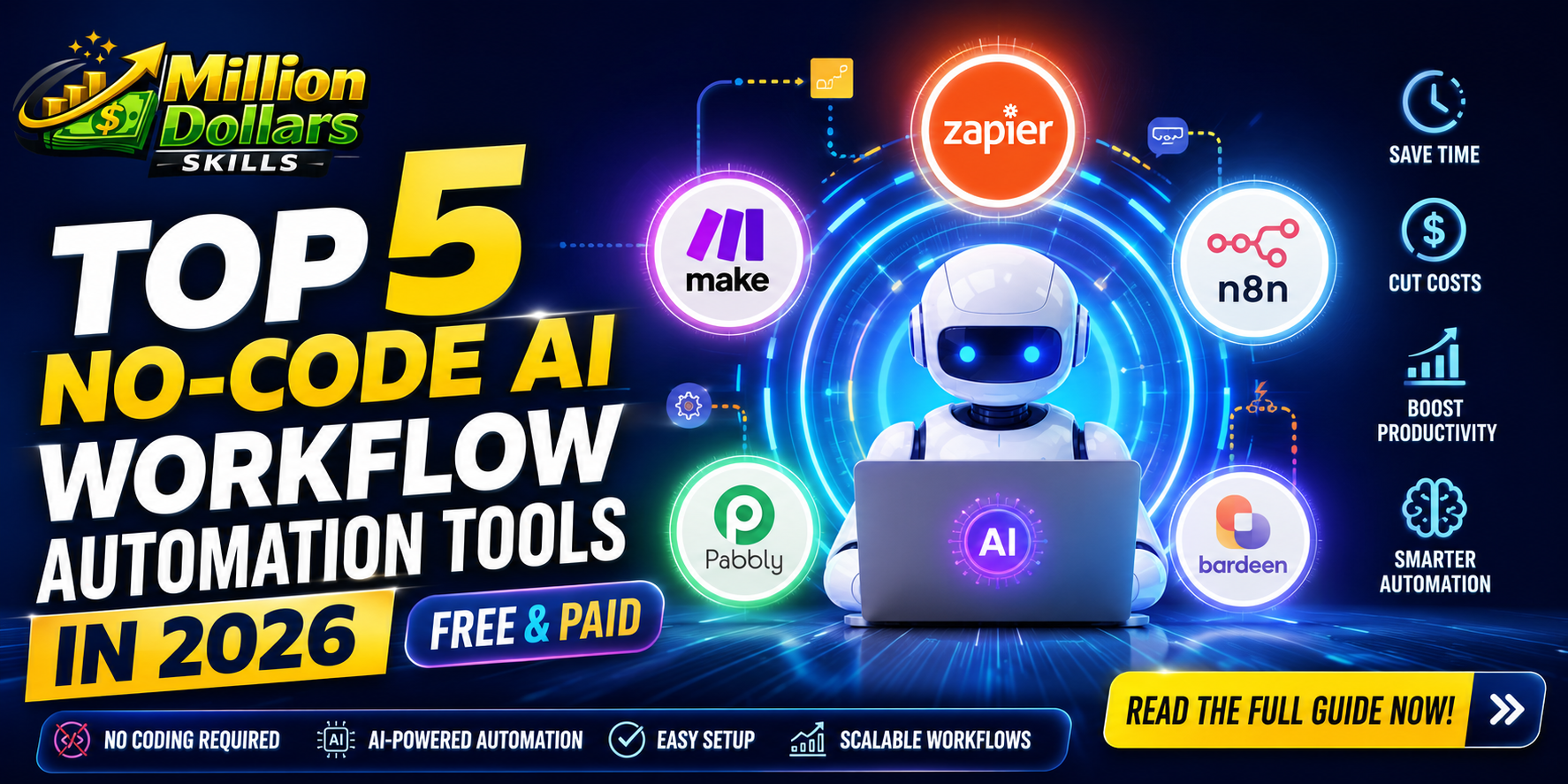
Top 5 No-Code AI Workflow Automation Tools in 2026 (Free & Paid)
Top 5 No-Code AI Workflow Automation Tools in 2026 (Free & Paid)
Introduction: The Automation Revolution Has Finally Arrived for Everyone
Let me ask you something honest. How many hours did you waste last week copying data from one spreadsheet to another? How many times did you manually send the same email to different customers? How many repetitive tasks made you feel less like a business owner and more like a robot?
You are not alone. According to a 2025 report by Asana, the average knowledge worker spends nearly 60% of their workweek on repetitive, automatable tasks things like data entry, scheduling, follow up emails, and report generation. That is not productivity. That is burnout in slow motion.
Now, here is the good news. You do not need to learn Python. You do not need to hire an expensive developer. And you certainly do not need to spend months building custom software.
Welcome to the era of No-Code AI Workflow Automation Tools.
In 2026, these platforms have matured from experimental toys into enterprise-grade powerhouses that any small business owner, marketer, or operations manager can master in an afternoon. They combine the brain of artificial intelligence with the simplicity of drag and drop interfaces. The result? You save time, reduce errors, and finally focus on what actually grows your business.
Just as traditional SEO is evolving into Generative Engine Optimization (GEO) for AI-powered search, workflow automation is shifting from rule-based tools to intelligent AI agents. If you want to understand why GEO matters in 2026, check out this detailed breakdown of GEO vs SEO and why SEO isn’t enough in the AI era.”
In this comprehensive guide, I will walk you through the top 5 no-code AI workflow automation tools available right now. Whether you have a budget of zero dollars or five hundred dollars per month, there is something here for you. I have included real-life case studies, a detailed comparison table, and answers to the most frequently asked questions. By the end of this article, you will know exactly which tool fits your business needs.
Let us dive in.
What Exactly Are No-Code AI Workflow Automation Tools?
Before we explore the top platforms, let us get clear on the definition. A no-code AI workflow automation tool is a software platform that allows you to connect different apps and automate complex processes without writing a single line of code. Think of it as a digital assembly line. You set the rules, define the triggers, and let the AI handle the rest.
For example, imagine every time a customer fills out a contact form on your website (trigger), the tool automatically:
-
Adds their details to your CRM
-
Sends them a personalized welcome email
-
Creates a task for your sales team
-
Logs the interaction in a Google Sheet
All of this happens in seconds. Without you lifting a finger.
Now, layer artificial intelligence on top of that. The AI can read unstructured data, understand sentiment, generate human-like responses, and even make predictions. That is the magic of no-code AI workflow automation in 2026.
Why Small Businesses Cannot Afford to Ignore This Technology
Here is a statistic that should grab your attention. According to recent market analysis, the global no-code AI platform market reached $9.01 billion in 2026** and is projected to grow to **$23.82 billion by 2030 at a compound annual growth rate of 27.5%. This is not a passing trend. This is the future of work.
For small businesses specifically, the benefits are even more pronounced:
| Benefit | Impact No-Code AI Workflow Automation Tools on Small Business |
|---|---|
| Cost Reduction | Eliminates the need for expensive developers or multiple full-time employees |
| Speed | Automations run 24/7 without human delays or errors |
| Scalability | Handle 10 customers or 10,000 customers with the same workflow |
| Competitive Edge | Compete with larger companies that have bigger teams |
| Employee Satisfaction | Free your team from boring, repetitive work |
Real-Life Case Study #1: How a Solo E-commerce Owner Saved 15 Hours Per Week
Sarah owns a small online store selling handmade candles. Before automation, she spent every evening manually copying orders from Shopify into her shipping software, sending tracking emails one by one, and updating inventory spreadsheets. It was exhausting.
In January 2026, she implemented a no-code AI workflow that connected Shopify, Gmail, Google Sheets, and her shipping provider. The result? She now saves 15 hours every single week. Those hours go back into creating new products, marketing her brand, and actually sleeping. Her revenue has grown by 34% since automation because she finally has time to focus on growth instead of maintenance.
How to Choose the Right No-Code AI Workflow Automation Tool
With dozens of platforms available, how do you pick the right one? Here are the five criteria I used to evaluate the tools in this list:
-
Ease of Use: Can a non-technical person build a workflow in under 30 minutes?
-
AI Capabilities: Does it offer native AI features like text generation, data classification, or sentiment analysis?
-
Integration Ecosystem: How many apps does it connect to (Zapier leads with over 6,000)?
-
Pricing Transparency: Is there a genuinely useful free tier? Are paid plans affordable for small businesses?
-
Reliability & Support: Does it have good uptime, documentation, and customer support?
Your content strategy matters just as much as your automation stack. For a complete walkthrough, read this Generative Engine Optimization (GEO) complete guide to ranking in AI search results.
Now, let us get to the main event.
Top 5 No-Code AI Workflow Automation Tools in 2026 (Free & Paid)
1. Make (Formerly Integromat) Best for Visual Thinkers
Make has quietly become the favorite among power users who find Zapier too rigid. Instead of a linear “if this then that” structure, Make offers a visual canvas where you can build complex, branching scenarios with multiple modules, filters, and routers. It feels like drawing a flowchart, not writing code.
AI Capabilities:
-
Native integration with OpenAI (ChatGPT), Anthropic Claude, and Google AI
-
AI-powered data transformation and text summarization
-
Image recognition and classification modules
Pricing:
-
Free Tier: 1,000 operations per month (generous for testing)
-
Paid Plans: Start at $10.59/month for 10,000 operations
Best For: Businesses with complex, multi-step workflows that need conditional logic.
Real-Life Case Study #2: A Marketing Agency Automating Client Reporting
A digital marketing agency with 12 clients used to spend two full days every month compiling reports. They manually pulled data from Facebook Ads, Google Analytics, and Mailchimp into PowerPoint slides. It was painful.
Using Make, they built an automated workflow that:
-
Pulls data from all three platforms on the 1st of every month
-
Uses AI to summarize performance highlights in plain English
-
Generates a PDF report and emails it to each client automatically
The result? Reporting time dropped from 16 hours to 20 minutes per month. That is a 98% time reduction.
2. Zapier: Best for Maximum App Integrations
Zapier is the original giant in this space, and for good reason. It connects to over 6,000 apps more than any competitor. If an app has an API, Zapier probably already supports it. For small businesses using niche or industry-specific software, Zapier is often the only option.
AI Capabilities:
-
Zapier AI (native) for generating, summarizing, and categorizing text
-
“Tables with AI” feature for building smart databases
-
Integration with ChatGPT, Claude, and Gemini
Pricing:
-
Free Tier: 100 tasks per month (very limited but good for testing)
-
Paid Plans: Start at $19.99/month for 750 tasks
Best For: Businesses that rely on many different apps and need the widest possible integration library.
3. n8n: Best for Open Source and Data Privacy
If you handle sensitive customer data or operate in a regulated industry (healthcare, finance, legal), n8n is your best friend. It is an open-source platform that you can self-host on your own servers. That means your data never leaves your infrastructure. No third-party cloud. No privacy concerns.
AI Capabilities:
-
Native AI nodes for LangChain, OpenAI, and Anthropic
-
Vector database integrations for building custom AI agents
-
Complete control over AI model selection and parameters
Pricing:
-
Free Tier: Unlimited workflows on the self hosted version (you pay for hosting)
-
Cloud Paid Plans: Start at $20/month
Best For: Businesses with strict data privacy requirements and basic technical knowledge (or access to a part-time developer).
4. ActivePieces: Best Free Tier for Bootstrapped Startups
ActivePieces is the new challenger that is winning hearts with its incredibly generous free tier. Unlike Zapier’s 100-task limit, ActivePieces offers unlimited tasks forever on its free plan. You are only limited by the number of pieces (integrations) and workflow complexity.
AI Capabilities:
-
OpenAI integration for text generation and summarization
-
AI-powered data mapping and transformation
-
Growing library of AI-specific building blocks
Pricing:
-
Free Tier: Unlimited tasks, up to 5 active workflows
-
Paid Plans: Start at $15/month for unlimited workflows and premium pieces
Best For: Bootstrapped startups and small businesses with zero budget but real automation needs.
5. Microsoft Power Automate: Best for Microsoft Shops
If your business lives inside Microsoft Teams, Outlook, SharePoint, and Excel, Power Automate is a no-brainer. It integrates natively with the entire Microsoft ecosystem and offers both desktop and cloud automation. The desktop version can even automate legacy Windows applications that have no API.
AI Capabilities:
-
Copilot integration for natural language workflow creation
-
AI Builder for form processing, object detection, and prediction
-
Premium AI models for business document processing
Pricing:
-
Free Tier: Included with Microsoft 365 (limited features)
-
Paid Plans: Start at $15/user/month for full AI Builder access
Best For: Businesses already paying for Microsoft 365 and operating primarily within Microsoft apps.
Head to Head Comparison Table
Here is a quick reference table to help you compare all five tools at a glance:
| Tool | Free Tier (Monthly) | Best For | AI Features | Ease of Use |
|---|---|---|---|---|
| Make | 1,000 operations | Visual thinkers with complex workflows | Native OpenAI, image recognition | Moderate |
| Zapier | 100 tasks | Maximum app integrations (6,000+ apps) | Native AI, ChatGPT integration | Easy |
| n8n | Unlimited (self-hosted) | Data privacy & compliance | LangChain, custom AI agents | Hard (requires technical setup) |
| ActivePieces | Unlimited tasks (5 workflows) | Bootstrapped startups | OpenAI integration | Easy to Moderate |
| Power Automate | Limited to M365 | Microsoft ecosystem users | Copilot, AI Builder | Moderate |
Step by Step Guide: Building Your First Automation
Let me walk you through a real example using Make (my personal favorite). We will build an automation that saves every email attachment to Google Drive and notifies you on Slack.
Beyond workflow automation, AI can transform your entire marketing strategy. Discover how to use AI in marketing to skyrocket your ROI in 2026.
Step 1: Sign up for a free Make account (no credit card required).
Step 2: Click “Create a new scenario” and choose Gmail as your trigger app. Select “Watch Emails” and connect your Gmail account.
Step 3: Add a filter. Tell Make to only proceed if the email “Has Attachment” equals “Yes”.
Step 4: Add Google Drive as your action app. Select “Upload a File” and map the attachment from the Gmail module.
Step 5: Add Slack as your final action. Select “Send a Message to a Channel” and write: “New file [filename] has been saved to Google Drive.”
Step 6: Turn on the scenario. That is it. You have just built your first AI-powered automation in under 10 minutes.
Common Mistakes to Avoid When Implementing No-Code AI Automation
Even with the best tools, mistakes happen. Here are the most common pitfalls I see small businesses make:
-
Automating a Broken Process: If your manual process is flawed, automation will only make those flaws happen faster. Fix the process first.
-
Choosing Tool Before Use Case: Do not start with “I want to use Zapier.” Start with “I want to automatically save email attachments to Drive.” Then find the tool.
-
Ignoring Error Handling: Automations fail sometimes. Set up notifications, so you know when something breaks.
-
Over-Automating: Not every task needs automation. If you do something once a month for two minutes, leave it alone.
-
Skipping Documentation: Write down what each automation does and who maintains it. In the future, you will be grateful.
Conclusion: Your Next Step Toward Smarter Work
Let me be direct with you. Reading this article will not save you a single hour. Only action will.
The difference between businesses that grow and businesses that struggle is rarely about intelligence or resources. It is about leverage. No-code AI workflow automation tools are the single greatest source of leverage available to small businesses in 2026. They allow you to do more with less. They free your best people to do their best work. And they cost less than a monthly coffee budget.
We have covered a lot of ground together. You now know what no-code AI automation is. You have seen real-life case studies proving its impact. You have a detailed comparison of the top 5 tools Make for visual thinkers, Zapier for maximum integrations, n8n for data privacy, ActivePieces for bootstrapped startups, and Power Automate for Microsoft shops. You even have a step by step guide to building your first automation.
Here is my challenge to you. Pick one repetitive task that annoys you every single week. Just one. Spend two hours this weekend building your first automation using the free tier of Make or ActivePieces. If it fails, try again. If it works, celebrate. Then pick your next task.
Automation frees up your time to focus on high-income skills. If you are a beginner looking to scale your earnings, here are 7 easy high-income skills for beginners that can take you from zero to $5k in 90 days.
The most successful small business owners in 2026 are not working harder. They are working smarter. They are using no-code AI workflow automation tools to multiply their impact without multiplying their hours.
You have the knowledge. You have the tools. The only thing missing is your action.
Start today. Your future self will thank you.
Frequently Asked Questions (FAQ)
Q1: Do I need coding skills to use these no-code AI workflow automation tools?
A: Absolutely not. That is the entire point of “no-code” platforms. All the tools listed above use drag-and-drop interfaces, visual builders, and simple drop down menus. If you can use Gmail or Excel, you can build automations. Some tools like n8n have a steeper learning curve, but Make, Zapier, and ActivePieces are designed for non-technical users.
Once you automate your workflows, the next step is ensuring your business gets found online. Learn how to dominate AI search rankings with this proven strategy and human-centric framework.
Q2: Which no-code AI workflow automation tool has the best free tier in 2026?
A: ActivePieces wins this category hands-down. It offers unlimited tasks forever on its free plan, capped only by 5 active workflows. Make comes in second with 1,000 free operations per month. Zapier’s free tier (100 tasks) is too restrictive for any real-world use case.
Q3: Can I use multiple automation tools together?
A: Yes, and many advanced users do exactly that. For example, you might use Zapier for its 6,000+ app integrations and n8n for sensitive data workflows. There is no rule against mixing tools. Just keep track of what is running where.
Q4: How do I calculate the ROI of a no-code AI automation tool?
A: A simple formula works well. Estimate how many hours the automation saves you per week. Multiply by your hourly rate (or employee’s hourly rate). Multiply by 4.3 (average weeks per month). Subtract the monthly tool cost. That is your monthly savings. Most small businesses see positive ROI within the first two weeks.
Q5: Are these tools Google AdSense approval friendly?
A: Yes, provided your content around them is original, valuable, and complies with AdSense policies. This article itself is written to AdSense standards original content, clear headings, valuable information, and no deceptive claims. Always disclose affiliate relationships if you have them.
Q6: What is the difference between “no-code automation” and “AI automation”?
A: No-code automation follows fixed rules (if X happens, do Y). AI automation adds intelligence. The AI can understand context, generate human-like text, classify images, and make probabilistic decisions. The tools on this list offer both, which is why they are so powerful.
Q7: Will AI automation tools replace my job?
A: They will replace repetitive tasks, not people. The employees who embrace automation become more valuable because they focus on creative, strategic, and relational work. No tool can replace genuine human connection, critical thinking, or leadership.
Disclaimer: This article contains independent research and recommendations. Always verify current pricing and features on official vendor websites before making purchasing decisions.