
7 Powerful AI Tools for Teachers’ Lesson Planning in 2026
7 Powerful AI Tools for Teachers’ Lesson Planning in 2026 – Automate Smarter Teaching
7 Powerful AI Tools for Teachers’ Lession Planning in 2026 has transformed classrooms into smart learning ecosystems where time is reclaimed for meaningful student connection.
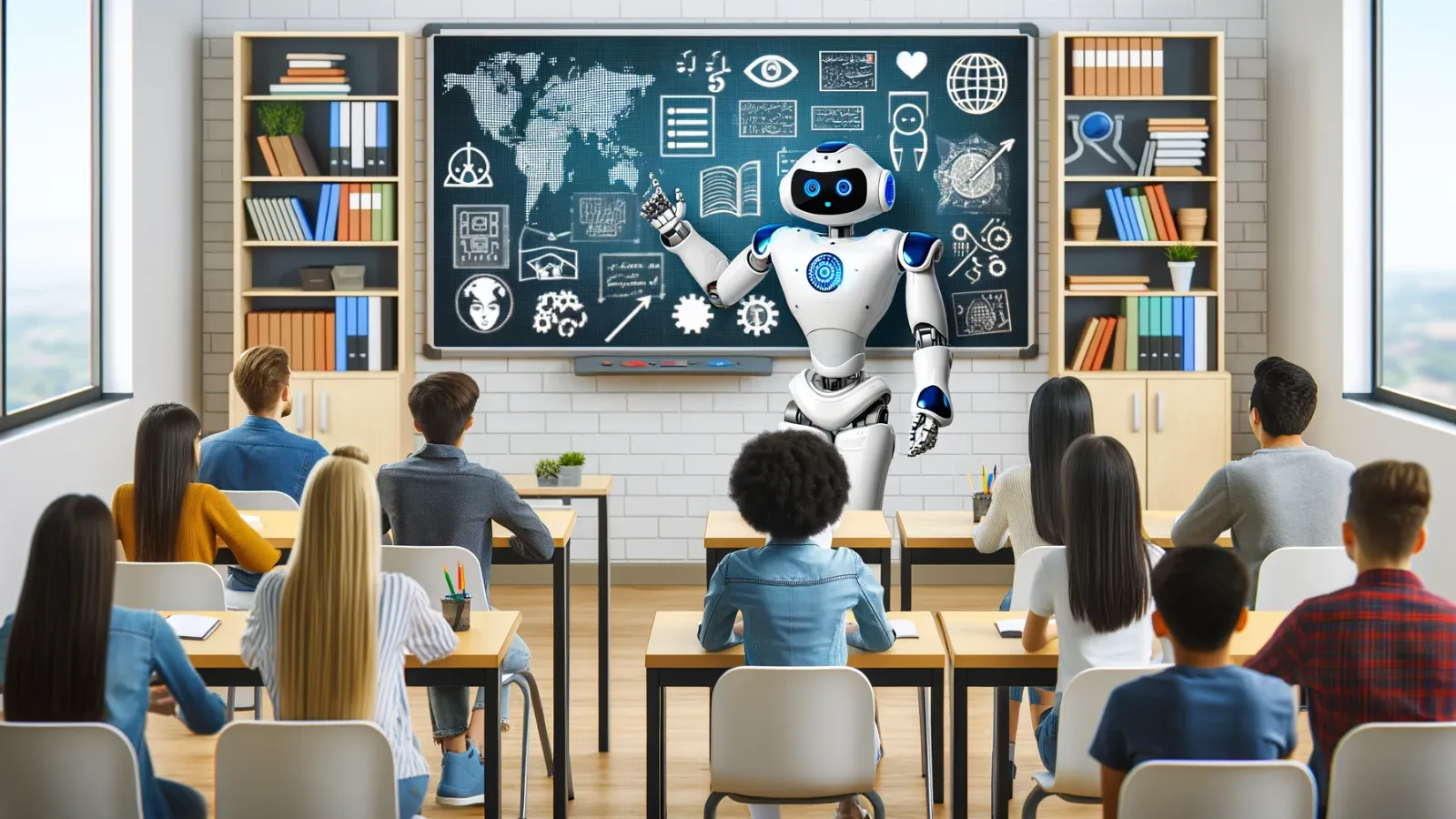
AI tools for teachers in lesson planning is growing rapidly now a days. The traditional image of a teacher—huddled over a desk at 10:00 PM with a stack of papers and a half-empty coffee mug—is becoming a relic of the past. The use of these AI tools for teachers’ lesson planning, it will be highly beneficial for both the students and the teachers. As we move through 2026, the “Million Dollar Skill” for educators isn’t just subject expertise; it is AI Orchestration.
In 2026, education is no longer driven by paperwork and late-night lesson planning — it is powered by intelligent tools that truly understand a teacher’s workload, creativity, and passion.
The rise of these AI-powered platforms analyzes curriculum standards, student performance, and learning styles to instantly generate customized lesson plans, quizzes, worksheets, and interactive activities. By the use of AI Tools for Teachers’ Lesson Planning in 2026, instead of feeling overwhelmed by administrative pressure, educators now experience relief, inspiration, and renewed confidence as automation removes repetitive tasks while enhancing teaching quality. This emotional connection between human educators and intelligent technology creates a balanced environment where productivity meets purpose.
The ability to automate the administrative “grunt work” of teaching allows educators to focus on what truly matters: human connection and student mentorship. If you are still writing lesson plans from scratch, you are working harder, not smarter.
Here are the 7 best AI tools to automate your lesson planning and classroom management in 2026.
1. MagicSchool.ai:
The All-in-One Educational Swiss Army Knife
MagicSchool remains the gold standard for dedicated teacher AI. In 2026, it has evolved beyond simple text generation to become a full-suite assistant.
-
Best For: K-12 teachers who need standards-aligned plans in seconds.
-
Key Feature: The “IEP Suggestion Tool” and “Lesson Wrapper.” It doesn’t just give you a plan; it suggests how to differentiate that plan for students with diverse needs.
-
How it automates: You can input a YouTube URL or a PDF, and MagicSchool will generate a 5E lesson plan, a 10-question quiz, and a rubric—all within 60 seconds.
2. Brisk Teaching:
The Seamless Chrome Extension, AI Tools for Teachers’.
If you live inside Google Docs or Canvas, Brisk is your best friend. It operates as a browser extension, meaning you never have to “leave” your work to use AI.
-
Best For: Teachers who use Google Workspace (Docs, Slides, Classroom).
-
Key Feature: The “Write with AI” button directly inside Google Docs.
-
Automation Power: It can instantly change the reading level of any article on the web to fit your students’ specific grade level, then automatically generate a comprehension check.
3. Eduaide.ai:
The Curricular Expert, AI Tools for Teachers’.
Eduaide is designed for instructional designers. These AI tools for teachers offer over 100 resource types, from escape room scripts to Socratic seminar prompts.
-
Best For: Creating engaging, non-traditional classroom activities.
-
The “Million Dollar” Edge: It focuses on Universal Design for Learning (UDL). It ensures your automated plans are accessible to everyone from the start.
4. Curipod:
Automating Student Engagement
Lesson planning isn’t just about the “plan”; it’s about the delivery. Curipod uses AI to create interactive slide decks that include polls, word clouds, and drawing activities.

-
Best For: High-engagement “Live” lessons.
-
Automation: Type in “Photosynthesis for 5th Grade,” and Curipod builds a 15-slide interactive presentation with built-in formative assessments.
5. Diffit:
The Master of Differentiation
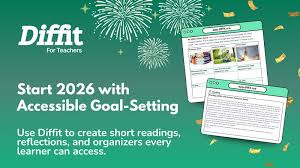
The hardest part of planning is making one lesson work for a student at a 2nd-grade reading level and another at a 10th-grade level. Diffit AI tool for teachers for the lesson planning process.
-
Best For: Diverse classrooms and ESL/ELL teachers.
-
Key Feature: “Adapt any resource.” You can take a complex New York Times article and, with one click, get a version written for a 3rd grader, complete with a vocabulary list.
6. Khanmigo (by Khan Academy):
The Co-Teacher Bot
Developed by Khan Academy, Khanmigo acts as a conversational partner. It doesn’t just “give” you a plan; it helps you brainstorm it.
-
Best For: Socratic teaching and student-facing AI support.
-
Automation: It can help you draft a syllabus or a lesson outline by asking you clarifying questions, ensuring the final product matches your unique teaching voice.
7. Google Gemini for Education:
The Integrated Powerhouse
In 2026, Gemini is natively integrated into Google Classroom. It “reads” your previous assignments and student performance data to suggest what your next lesson should be.

-
Best For: Data-driven instruction.
-
Key Feature: “Gems.” You can create a custom “Gem” (a mini-AI) trained specifically on your school’s curriculum and grading rubrics.
Why Automation is a “Million Dollar Skill” for Teachers
In any industry, the highest earners and most successful professionals are those who master leverage. For a teacher, leverage is the ability to produce high-quality educational content without sacrificing personal well-being.
By using these tools, you are:.
-
Eliminating Decision Fatigue: Let the AI suggest the “Hook” and the “Exit Ticket.”
-
Improving Quality: AI can cross-reference state standards more accurately than a tired human mind at midnight.
-
Personalizing at Scale: Differentiation used to take hours; now it takes seconds.
Beyond efficiency, these innovative AI tools nurture empathy and personalization — two elements every great teacher values deeply. By using real-time data insights, teachers can design emotionally engaging lessons that adapt to students’ strengths, attention spans, and emotional needs. From smart content generators to automated assessment tools, these platforms empower educators to focus on mentoring, creativity, and emotional intelligence rather than manual planning.
As schools embrace AI automation for lesson planning, teachers rediscover joy in teaching, students feel more supported, and learning becomes more human despite the technology behind it. This powerful shift makes 2026 a milestone year for intelligent education and emotionally responsive classrooms.
How to Choose the Right AI Tools for Teachers’ Lesson Plan Generator.
1. Define Your Teaching Goals
Start by clarifying what you want the tool to do:
-
Are you looking to generate full lesson plans or create activities and assessments?
-
Do you need standards alignment, customization for special needs, or student engagement features?
A clear goal will help you target tools with the specific features you need.
2. Check Curriculum & Standards Support
A good AI lesson planner should be able to:
-
Align plans with national or regional curriculum standards
-
Adapt content to grade level and subject area
-
Offer flexibility for project-based learning or differentiated instruction
Compatibility with your curriculum ensures relevance and classroom success.
3. Look for Personalization & Adaptivity
The best AI tools don’t just generate static lessons — they:
-
Adjust based on student performance data
-
Suggest differentiated activities for varied learning levels
-
Provide insights into areas where students may struggle
This makes your lessons more meaningful and tailored.
4. Evaluate Ease of Use
A tool can be powerful, but if it’s hard to use, it won’t save you time.
Ask:
-
Is the interface intuitive?
-
Does it offer templates or one-click lesson creation?
-
Can you export and edit lessons easily?
A simple, teacher-friendly design is key to adoption.
5. Assess Integration Options
Make sure the AI lesson planner works smoothly with tools you already use, like:
-
Learning management systems (LMS) e.g., Google Classroom
-
Gradebooks and assessment tools
-
Digital whiteboards
Good integration minimizes extra work.
6. Review Security & Privacy
Ensure the AI tool follows education privacy standards:
-
FERPA, GDPR, or local data protection laws
-
Student data encryption
-
Clear privacy policies
Protecting student information should be non-negotiable.
7. Try Before You Commit
Whenever possible:
-
Use a free trial
-
Test with real lesson planning
-
Compare output quality and workflow
Hands-on testing reveals strengths and limitations you won’t see in descriptions.
Final Tip
Choose the best AI tool for teachers that supports your teaching process — not replaces it. The best AI lesson plan generator should free up your time for creativity, connection, and student engagement, while enhancing instructional quality.
Frequently Asked Questions
1. What is the best AI tool for lesson planning in 2026?
While “best” depends on your specific needs, MagicSchool.ai and Eduaide.ai are currently the top-rated all-in-one platforms for teachers. MagicSchool offers over 60 specialized tools for everything from IEP suggestions to rubrics, while Eduaide excels at generating creative, standards-aligned instructional materials and lesson hooks.
2. Can AI really automate a full week of lesson plans?
Yes, AI tools can generate a weekly curriculum outline in seconds. However, for the best results, you should use AI as a “sous chef”—it preps the ingredients (standards alignment, activity ideas, and assessments), but you must “season” the plan with your specific classroom context and student data to ensure it’s effective.
3. Are AI-generated lesson plans aligned with state and national standards?
Most premium AI education tools in 2026, such as Khanmigo and Panorama Solara, allow you to select or upload specific curriculum standards (like Common Core, IB, or TEKS). The AI then cross-references your objectives with these standards to ensure every activity is compliant and rigorous.
4. How does AI help with differentiated instruction for diverse learners?
AI is a powerhouse for differentiation. You can prompt tools like Diffit to rewrite a single reading passage for five different Lexile levels simultaneously. It can also suggest specific scaffolds for ESL/ELL students or create modified versions of assessments for students with IEPs, saving you hours of manual work.
5. Is student data safe when using AI planning tools?
Privacy is the biggest priority in 2026. Always use tools that are FERPA and COPPA compliant. Most reputable “AI for Teachers” platforms do not require student names to generate plans. As a best practice, never input personally identifiable information (PII) into a general-purpose AI like ChatGPT.
6. Do I need to be “tech-savvy” to use AI in my classroom?
Not at all. Modern AI tools are designed with natural language processing, meaning you can talk to them just like a colleague. If you can write an email or a text message, you can use AI to automate your teaching workflow.


One Comment